
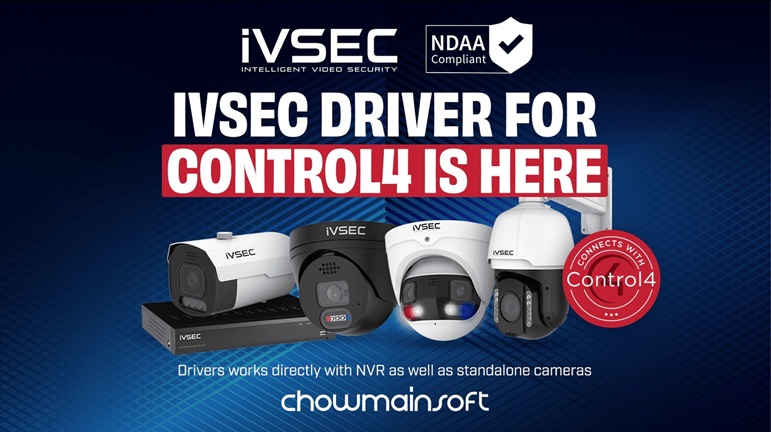
iVSEC Control4 Driver
This is a comprehensive integration driver enabling advanced camera and NVR control, analytics, and automation within Control4 systems.
Overview
The iVSEC Control4 Driver provides deep integration between iVSEC IP cameras and NVRs and Control4, enabling installers and end‑users to take full advantage of iVSEC’s advanced video, analytics, and automation capabilities.
Designed for reliability and ease of deployment, the driver supports automatic configuration, multi‑stream video handling, event‑based automation, PTZ control, and a wide range of analytic triggers. It also exposes powerful programming commands that allow Control4 to interact with the camera’s onboard features such as sirens, lights, and presets.
This driver is ideal for residential and commercial installations requiring enhanced surveillance, intelligent event detection, and provides a seamless integration into the Control4’s ecosystem.
Configuration & Setup
The driver is built for fast, streamlined deployment:
- Auto‑Configuration
Automatically configures the camera or NVR to send event notifications to Control4, reducing setup time and eliminating manual network configuration. - Multi‑Stream Support
Select from maintream or substream video streams depending on bandwidth, quality, or interface requirements. - PTZ Control
Allows for full pan, tilt, and zoom support; adjustable movement speed; and configurable movement duration, all of which is Ideal for installations using motorised iVSEC cameras. - NVR Compatibility
Includes an option to indicate when a camera is connected via an iVSEC NVR, ensuring proper stream routing and event handling. - Auto Rename & Device Info
Automatically pulls and displays camera model, firmware version, and device identifiers for clean project organisation.
Event Handling (Alarms & Analytics)
The driver supports a wide range of iVSEC’s onboard analytic events, exposing them as contact sensors within Control4 for programming and automation.
Motion Detection
Triggers when general motion is detected within the camera’s field of view.
Advanced Analytics
These alanytics can be used to trigger lighting, announcements, notifications, recordings, or any Control4 automation sequence.
This includes multiple choices such as:
- Line Crossing
- Perimeter Intrusion
- People Detection
- Vehicle Detection
- Face Detection
- Face Recognition
- License Plate Detection
- License Plate Recognition
Driver Programming Commands
The driver exposes several powerful commands for use in Control4 Composer programming.
These commands allow Control4 to interact with the camera as an active security device, not just a passive video feed.
An example of some of these are:
- REBOOT_CAMERA
Reboots the camera remotely, which is particularly useful for troubleshooting or scheduled maintenance. - SIREN_ALARM
Activates the camera’s built‑in siren and allows the adjusting of volume. - WARNING_LIGHT
Controls the red/blue warning light (on/off). - FLOOD_LIGHT
Sets the white light state and brightness level.
Additional Features
- Multiple Contact Sensor Bindings
Each analytic event (motion, line crossing, face detection, license plate detection, etc.) is exposed as an individual contact sensor for flexible automation. - Stream Selection
Choose the optimal stream for each Control4 interface or device based on processing power or bandwidth available. - Presets Support
Integrates with camera presets using the preset names defined directly on the camera. - Enhanced Automation Capabilities
Combine different analytic triggers with Control4 lighting, announcements, security modes, and more.
Use Cases
There are several ways the iVSEC Control4 Driver can help with automation.
This includes
- Triggering exterior lights when a vehicle is detected approaching the driveway
- Announcing “Someone is at the gate” when face detection occurs at a gated location
- Activating sirens and warning lights during security breaches
- The use of line‑crossing detection to monitor restricted areas
- The ability to automate floodlights based on motion or perimeter intrusion
- Rebooting of cameras automatically on a maintenance schedule
Conclusion
The iVSEC Control4 Driver transforms iVSEC cameras into fully integrated, automation‑ready devices within the Control4 ecosystem. With advanced analytics, powerful programming commands, and streamlined setup, it provides a robust solution for both residential and commercial surveillance needs.
The latest iVSEC Driver can be downloaded from here.
The latest manual can be download from PDF.
We welcome your feedback and suggestions and invite you to send us an email at [email protected].